
Download AutoHotkey – automate tasks, hotkey scripts, productivity tool, Windows automation, scripting for Windows, custom macros, task automation, Windows scripting, automation software, script editor
Overview
AutoHotkey is a powerful open-source scripting tool designed to automate repetitive tasks on Windows systems. Its primary purpose is to enhance user productivity by allowing individuals to create custom scripts that streamline daily computing activities. Whether managing data entry, launching applications, or manipulating text, AutoHotkey enables users to reduce manual effort through automation.
The app serves a diverse audience, including professionals, developers, power users, and anyone seeking to optimize their workflow. Its user-friendly interface and accessible syntax make it approachable for beginners, while its advanced capabilities cater to experienced scripters. The developer, AutoHotkey, Inc., has established a reputation for delivering reliable, free tools that empower users to take control of their computing environment.
Real-world use cases include automating form submissions, creating keyboard shortcuts for frequent actions, and managing complex workflows across multiple applications. In the broader app ecosystem, AutoHotkey fills a critical niche by offering a customizable, lightweight solution for system-level automation—something that many mainstream tools lack. While the developer did not provide additional technical details about integration or third-party support, the tool’s open-source nature ensures transparency and community-driven development.
For users who value efficiency and control, AutoHotkey remains a foundational utility in the Windows productivity toolkit.
Key Features & Functionality
- Custom Script Creation: Users can write and execute scripts tailored to specific Windows tasks, such as automating form filling, renaming files in bulk, or launching multiple programs with a single command. This feature is ideal for professionals who repeat the same actions daily.
- User-Friendly Syntax: The scripting language uses a clean, intuitive structure that reduces the learning curve. Even users with minimal programming experience can create functional scripts quickly, while advanced users benefit from support for procedural and object-oriented programming.
- Extensive Automation Capabilities: From simple keystroke sequences to complex conditional logic and process monitoring, AutoHotkey supports a wide range of automation scenarios. This flexibility makes it suitable for both casual and enterprise-level use.
- Hotkey Functionality: Users can assign custom key combinations to trigger scripts, enabling instant access to frequently used commands. For example, pressing Ctrl+Shift+S could automatically save a document and upload it to a cloud folder.
- Free to Download: As a completely free tool, AutoHotkey removes financial barriers to entry, allowing users to experiment, learn, and implement automation without cost. This accessibility fosters widespread adoption across educational, personal, and professional settings.
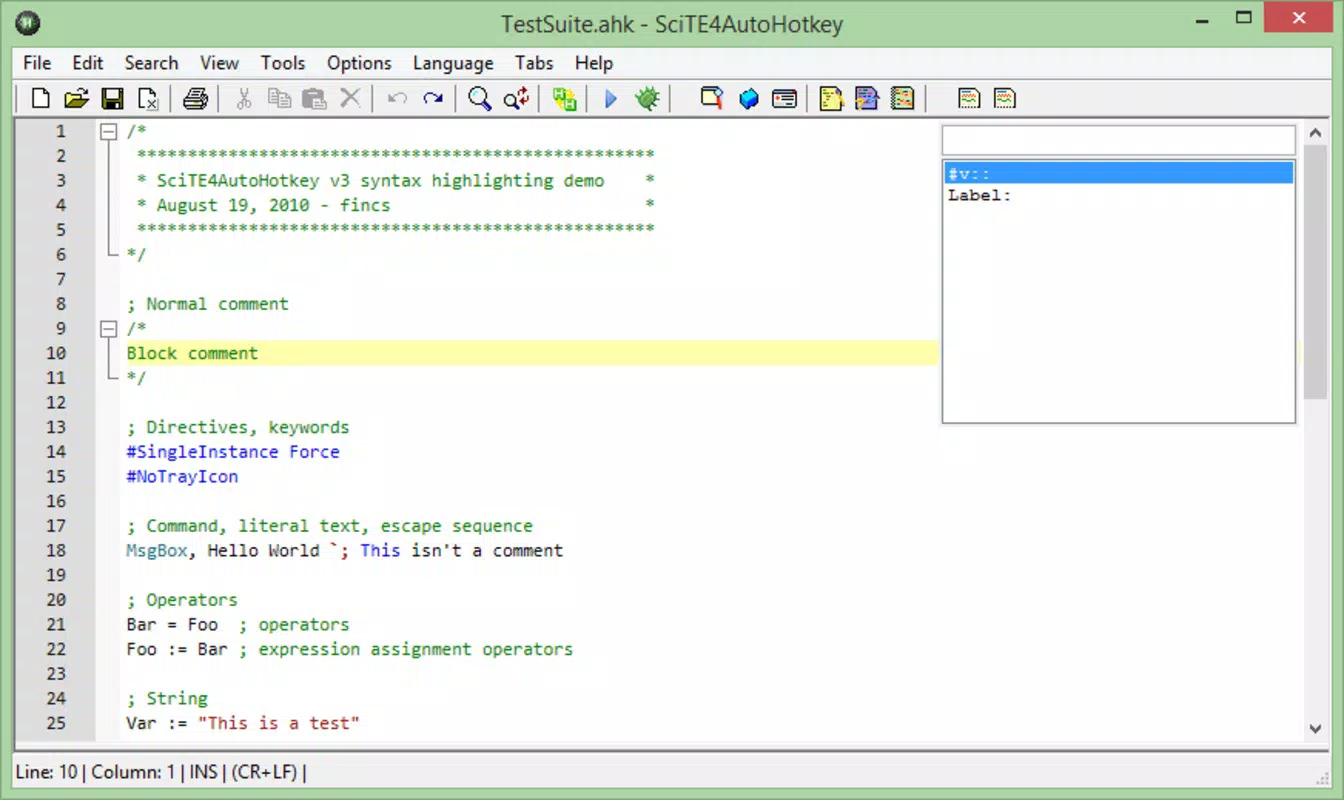
Each feature is designed to address real-world inefficiencies. For instance, a data entry clerk can use a script to auto-fill customer details, reducing errors and saving hours per week. A software tester might automate repetitive test scenarios, improving consistency and speed. The script editor built into the tool also supports syntax highlighting and debugging, further enhancing usability. Although the developer did not list formal performance metrics, the lightweight nature of the application suggests minimal impact on system resources.
Interface, UX & Performance
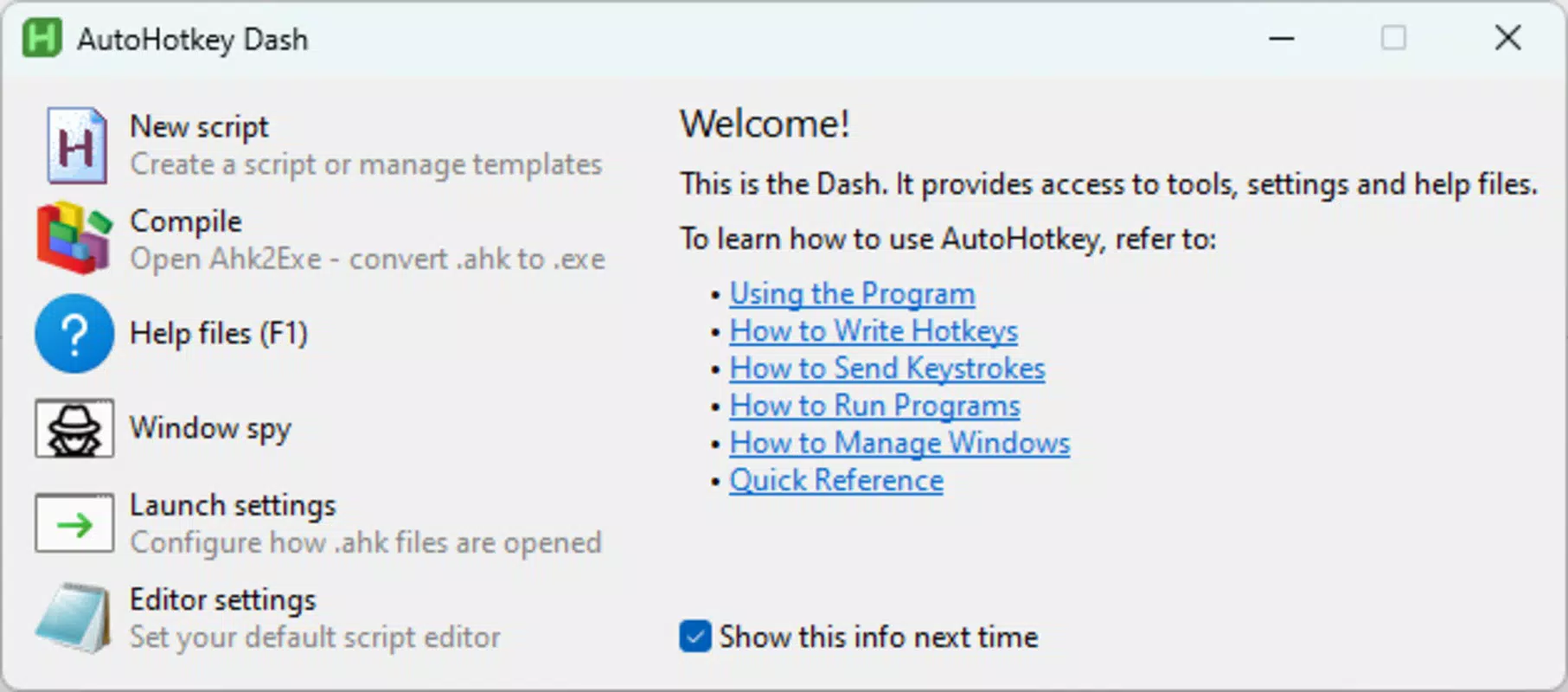
The interface of AutoHotkey is minimalistic and focused on functionality, prioritizing the script editor over visual flair. The layout is straightforward, with a text-based editor at the center, surrounded by essential controls for running, debugging, and saving scripts. Navigation is intuitive, relying on standard keyboard shortcuts and context menus, which aligns well with the app’s automation purpose.
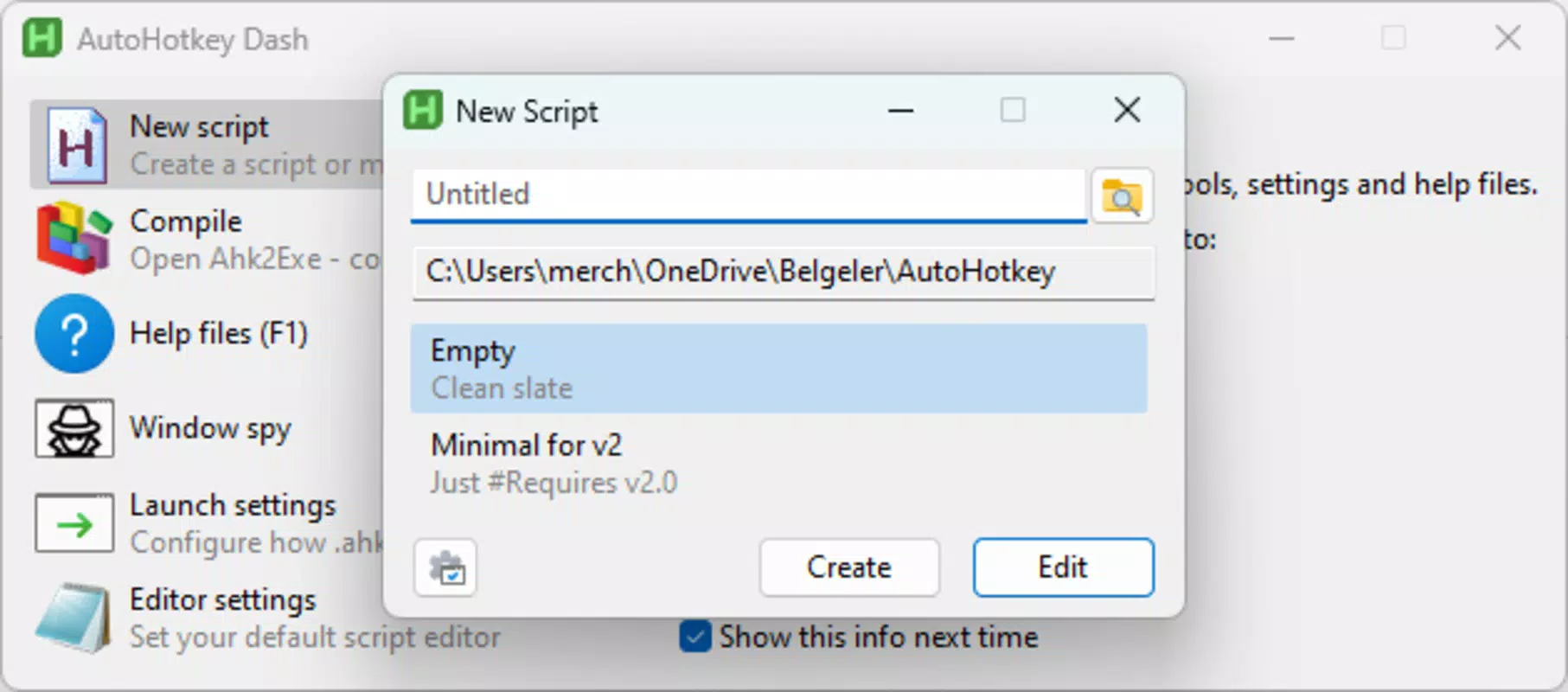
Users can quickly create, edit, and execute scripts with few clicks, making the workflow efficient. The visual style is plain but effective—no distracting elements, ensuring focus remains on the code. Although the developer did not list formal performance metrics, the app’s 25.7 MB file size suggests it is lightweight and optimized for speed.
It runs efficiently on a range of Windows devices, from older systems to modern machines, with minimal memory or CPU overhead. Responsiveness is consistent during script execution, and stability appears reliable under normal usage. However, compatibility with newer Windows updates may vary depending on script complexity.
The developer did not specify minimum OS requirements or detailed stability reports, so users should exercise caution when deploying scripts in mission-critical environments. Overall, the UX prioritizes utility over aesthetics, which is appropriate for its target audience of automation-focused users.
Platform Compatibility & Technical Requirements
AutoHotkey is designed exclusively for the Windows platform. It supports the latest versions of Windows, though specific OS compatibility details were not disclosed by the developer. The app has a file size of 25.7 MB, which is relatively compact for a scripting tool with extensive capabilities.
The current version is 1.2.0, released on January 27, 2025. No additional system requirements were listed, but given its lightweight footprint, it is likely compatible with most modern Windows systems. The developer did not specify minimum OS requirements or hardware specifications, so users should consult official documentation for precise compatibility information.
While the tool is free to download and install, users should ensure they are downloading from the official source to avoid security risks. The absence of platform availability details for macOS or Linux means that cross-platform functionality is not supported. For users seeking a Windows-only automation solution, AutoHotkey offers a focused, dedicated tool without the overhead of multi-platform development.
Pros and Cons
Pros
- Completely free to download and use, removing financial barriers to entry.
- Open-source nature promotes transparency, community support, and continuous improvement.
- Lightweight design with minimal system resource usage.
- Flexible scripting language suitable for both beginners and advanced users.
- Powerful automation capabilities for repetitive and complex tasks.
Cons
- Platform-specific: limited to Windows, with no official support for macOS or Linux.
- Requires basic scripting knowledge for advanced functionality.
- Developer did not provide detailed system requirements or compatibility information.
- Interface is minimal and may feel outdated to users accustomed to modern app designs.
- Security risks may arise if scripts are downloaded from untrusted sources.
FAQ
Is AutoHotkey safe to use?
Yes, when downloaded from the official source, AutoHotkey is secure. However, users should only run scripts from trusted sources, as malicious scripts can compromise system security.
Can I use AutoHotkey on older versions of Windows?
While the developer did not specify minimum OS requirements, the tool is likely compatible with recent Windows versions. Compatibility with older systems may vary and should be tested before deployment.
Is AutoHotkey available for Android or iOS?
No. AutoHotkey is designed exclusively for Windows and is not available on mobile platforms such as Android or iOS.
How do I update AutoHotkey?
Users can download the latest version directly from the official website. The app does not include an automatic update feature, so manual checks are recommended.
Can I share my AutoHotkey scripts with others?
Yes, scripts are saved as plain text files and can be shared easily. Others can run them as long as they have AutoHotkey installed and trust the script’s content.
Final Thoughts
AutoHotkey stands out as a robust, free tool for anyone looking to boost productivity on Windows. Its ability to automate repetitive tasks through custom scripts makes it invaluable for professionals, students, and power users alike. The combination of a user-friendly syntax, extensive automation features, and a strong community support network ensures long-term usability.
While it lacks a modern interface and is limited to Windows, these trade-offs are acceptable for its core purpose. For users who want to take control of their workflow without relying on pre-built tools, AutoHotkey delivers exceptional value. Whether automating simple keystrokes or managing complex processes, the app empowers users to work smarter.
Its open-source model ensures transparency and continuous development. Download AutoHotkey now.


